
Support (ticket emails)
Settings → Support
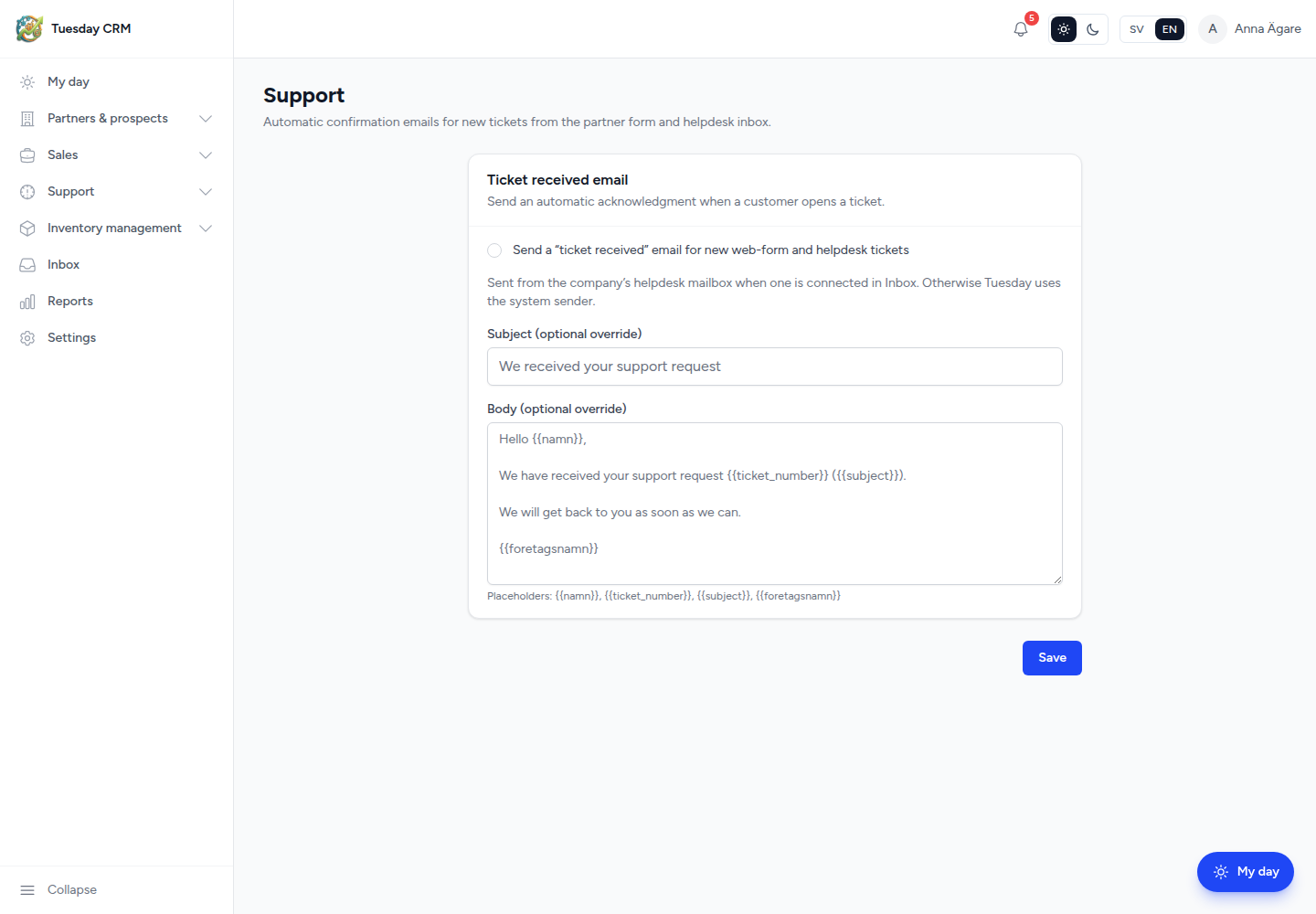
This page is not the Tickets list. It configures the automatic email Tuesday sends when a customer opens a ticket from the web form or the helpdesk inbox.
Automatic confirmation emails for new tickets from the partner form and helpdesk inbox.
Who can open this
CEO and Administrator by default.
Day-to-day ticket work is Support → Tickets. See Support tickets.
Ticket received email
Send an automatic acknowledgment when a customer opens a ticket.
- Tick Send a “ticket received” email for new web-form and helpdesk tickets to turn it on (or clear the box to stop).
- Optionally override Subject and Body. Leave them empty to use Tuesday’s default text.
- Click Save.
The message is sent from the company’s helpdesk mailbox when one is connected in Inbox. Otherwise Tuesday uses the System's sender email from Company details.
Connect that mailbox under Integrations → Go to Inbox.
Placeholders
You can insert these tokens in the subject or body; Tuesday replaces them per ticket:
| Token | Becomes |
|---|---|
{{namn}} |
The customer’s name |
{{ticket_number}} |
The ticket number |
{{subject}} |
The ticket subject |
{{foretagsnamn}} |
Your company name |
Write a short confirmation (we received this, here is your number). Keep the human conversation on the ticket Updates / Email and activity tabs.
← Settings