
Security
Settings → Security
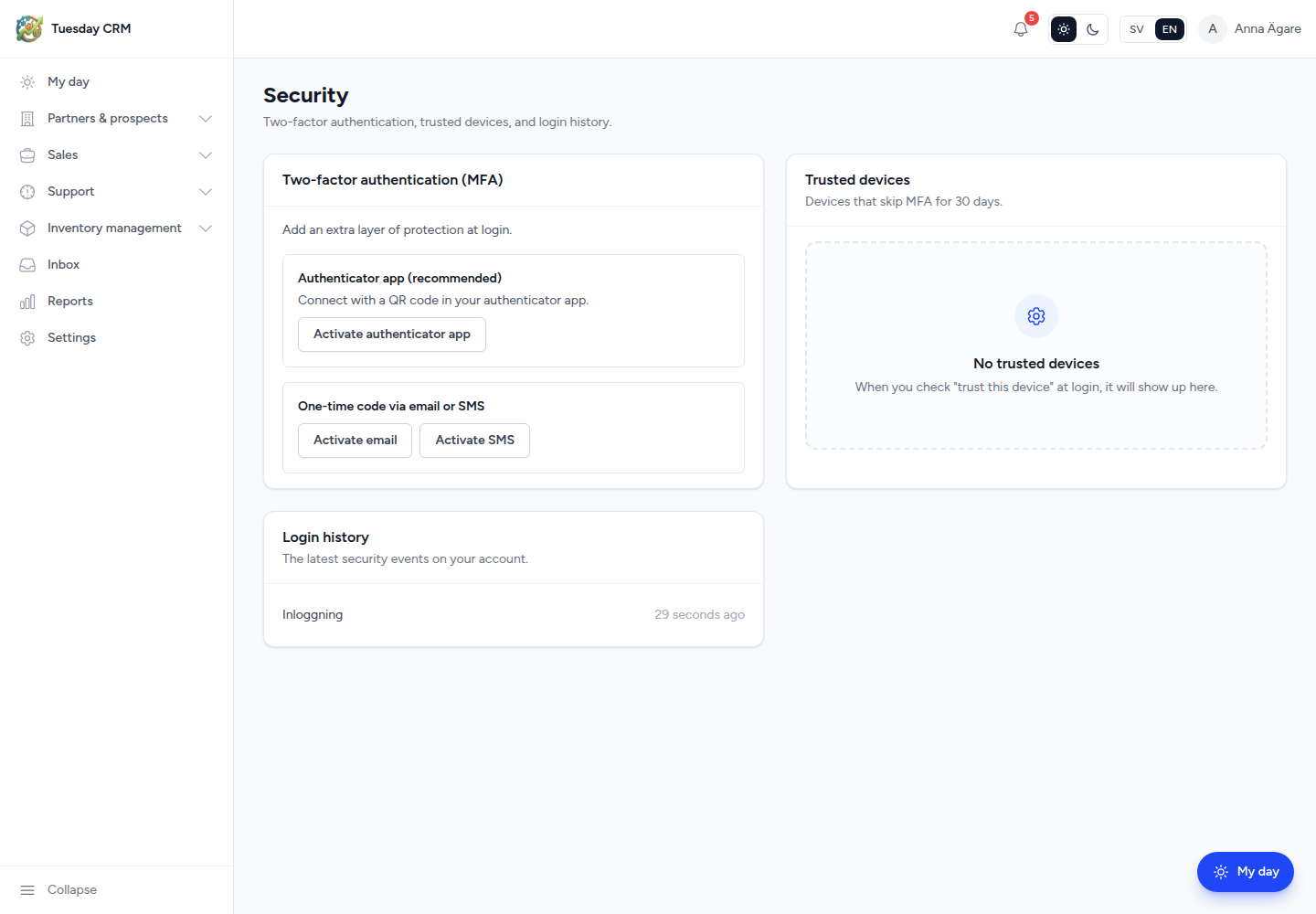
This page is your login security: two-factor authentication, devices that skip MFA, and recent sign-ins. It is not the company-wide user list (that is Users).
Two-factor authentication, trusted devices, and login history.
Who can open this
CEO and Administrator by default. Other roles only if granted the Security card. Everyone can still change their password on Profile.
Two-factor authentication (MFA)
Add an extra layer of protection at login.
Authenticator app (recommended)
- Click Activate authenticator app (or follow Connect with a QR code).
- Scan the QR code with Google Authenticator, Microsoft Authenticator, or a similar app. If you cannot scan, enter the key manually.
- Type the 6-digit code from the app.
- Click Confirm and activate.
Tuesday shows Recovery codes once. Save them somewhere safe. Each code works a single time if you lose the phone.
Email or SMS codes
Under One-time code via email or SMS:
- Activate email — codes go to your user email
- Activate SMS — requires a phone number on your Profile. SMS also needs the company SMS provider to be configured.
Turn MFA off
Turn off disables the extra step. Tuesday asks you to confirm because the account is then less protected.
After MFA is on, each login asks for a code. See Welcome and sign-in.
Trusted devices
Devices where you ticked trust this device at MFA skip the second factor for a number of days. Each row shows last used time and IP.
- Revoke a device you do not recognize or no longer use.
- If the list is empty: When you check "trust this device" at login, it will show up here.
Login history
Login history lists the latest security events on your account (successful sign-ins and similar). This is not the company-wide Login log (that card is superadmin-only).
← Settings