
Integrations
Settings → Integrations
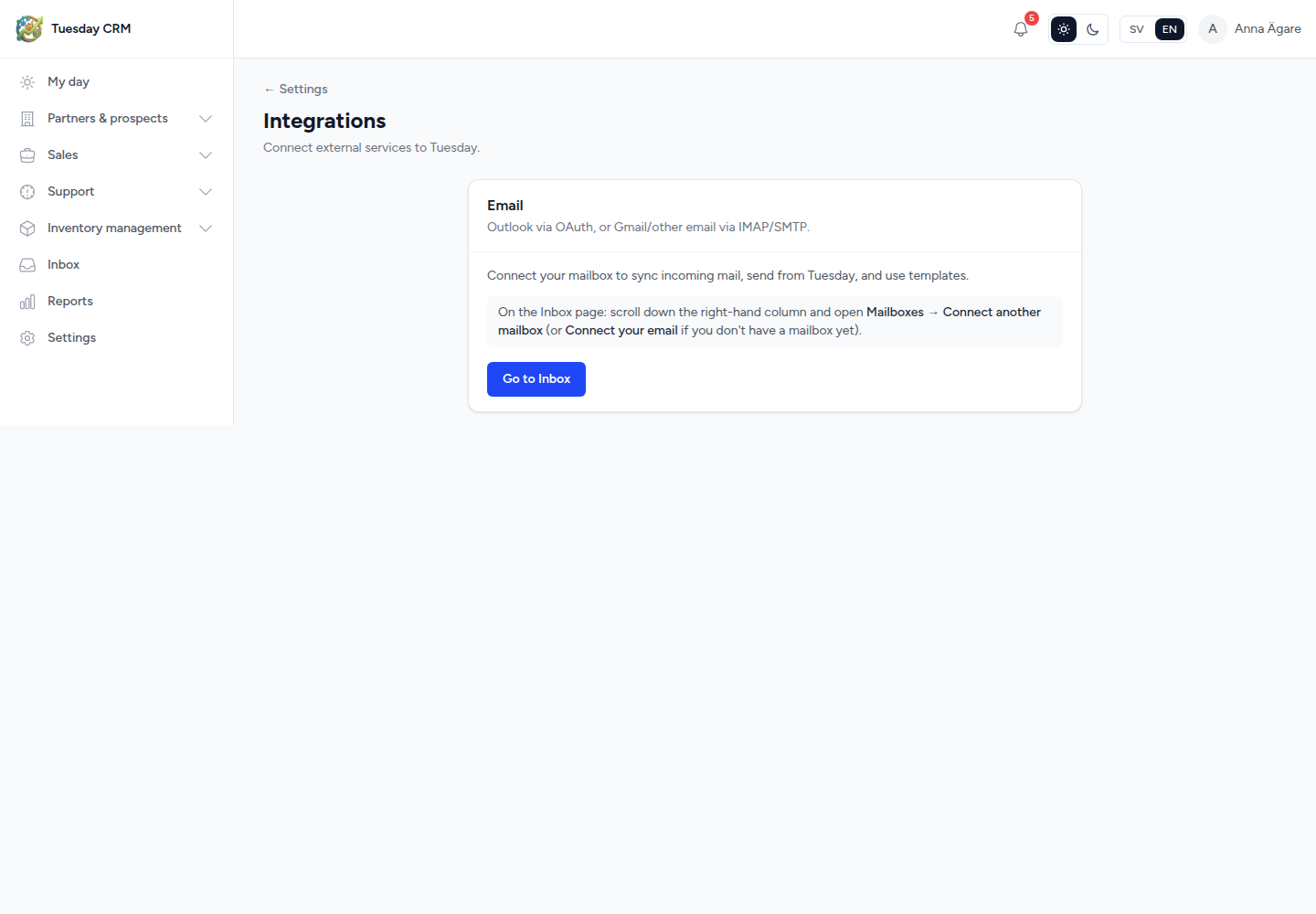
Connect outside services to Tuesday. Today that means email.
Connect external services to Tuesday.
Who can open this
CEO and Administrator by default.
Outlook via OAuth, or Gmail/other email via IMAP/SMTP.
Connecting a mailbox lets you sync incoming mail, send from Tuesday, and use templates. Threads can attach to the right contact. A helpdesk mailbox can create support tickets.
You do not enter mail passwords on this Settings page. Setup lives on Inbox:
- Click Go to Inbox.
- Scroll down the right-hand column.
- Open Mailboxes.
- Click Connect another mailbox, or Connect your email if you have none yet.
Follow the Inbox wizard (Google app password / IMAP-SMTP, or Outlook OAuth). When it succeeds, new mail starts landing in Inbox and on contact timelines.
← Settings